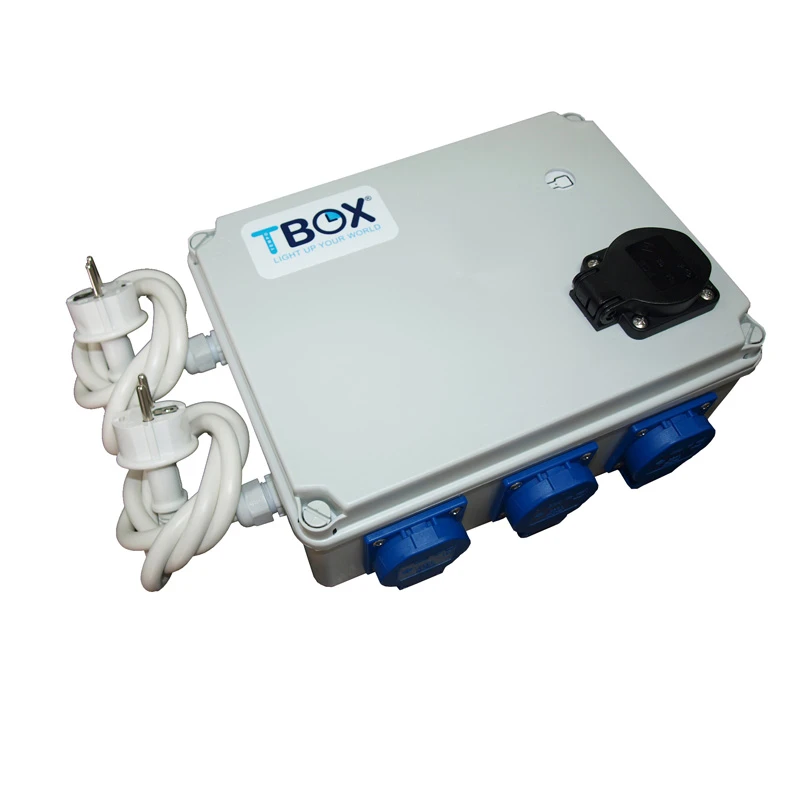

TEMPO BOX - TIMER BOX SMART 8H CONTROLLED BY APP | 8x630W + HEATING
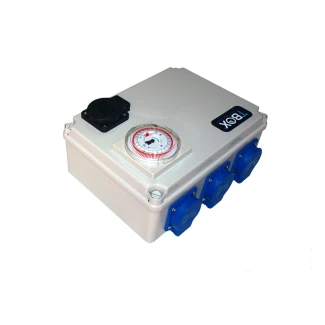
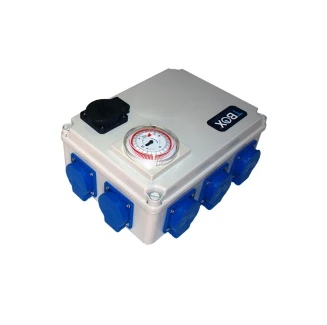
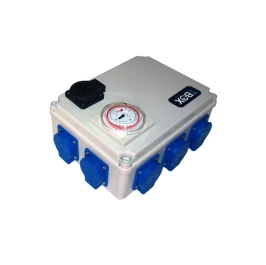
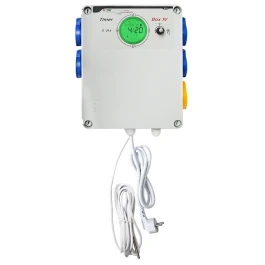
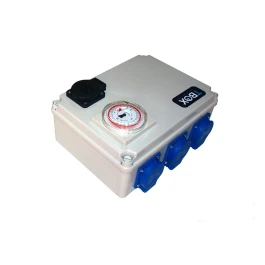
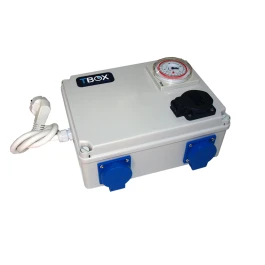
STBOX8H, is a multi-phase timer box that controls a maximum of 8 of 630w, 8 of 600w, 12 of 400w, 16 of 315w or 4 of 1,000w. These are the same timer boxes but can be controlled by app from any...
STBOX8H, is a multi-phase timer box that controls a maximum of 8 of 630w, 8 of 600w, 12 of 400w, 16 of 315w or 4 of 1,000w.
These are the same timer boxes but can be controlled by app from any Smartphone.
It incorporates a black auxiliary heating socket, located at the top, which is activated when the rest of the sockets are switched off, allowing us to maintain the ideal room temperature by means of a heater.Technical specifications STBOX 8H:
- Dimensions: 241 x 180 x 95 mm.
- Current required: 230 Vac / 50 Hz.
- Maximum power: 2 x 2,520w.
- Maximum power auxiliary socket: 2400 W.
- Smart timer controlled by Tuya Smart app.
- IPprotection: IP20
Three independent power lines of at least 15 amps each are required to connect theSTBOX8H. Independent power lines are considered to be those that can only be used for theSTBOX8H.
If you do not have independent power lines, it is recommended that you order the installation of theSTBOX8H from an authorised installer.
Before installing the equipment, be sure to choose a dry place to install the equipment. Working temperature: 5-40 °C / Humidity: 40 - 80%.
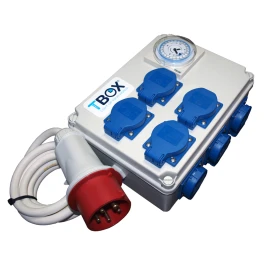
Mount the STBOX8H close to its independent power lines. At the bottom of theSTBOX8H you will find three grounded power cables (230 V).
IMPORTANT: Each power supply line must have a protective earth.
Now connect the plug of each of the three power cables to the socket of your independent power line.
CONNECTION TIPS
Once you have followed the first installation steps, you can connect accessories to theSTBOX8H, please read the instructions of the accessories you wish to connect carefully to avoid connection errors.
To use the SMARTBOX 8H equipment , follow the steps below:
1. Make sure you have Internet access with a2.4G Wi-Fi, otherwise you will not be able to use the device.
IMPORTANT: If you are connected to a 5G Wi-Fi network, you will need to forget the network before starting the process.
2. Install the app on your Tuya Smart mobile device, then we will show you the configuration:
3.Connect the SMARTBOX 8H to stream, open the app on your mobile device.
4.In the Tuya Smart app tap Add device, then select Change (Wi-Fi).
5. The following screen will appear, where you will need to enter your WIFI network details, remember if it is not 2.4 G you will not be able to connect the device, enter your network details and click Next.
6. Then the app will ask you to confirm the type of switch flashing, click on verify.
7. Now long press the button for 5 seconds, the light will start flashing fast.
8. Confirm the fast flashing and tap next.
9. You are now ready to programme the device.
-
180x241x95 cm (WxLxH)
-
1